App and website are separate surfaces.
This information covers the Reachlight Android app and the static two-route website containing this introduction and privacy page. The app’s local state does not automatically travel into the website, and the website does not read the app’s Pocket Light.
Designed for preparation and supported use.
Reachlight is intended for adults preparing for a care conversation and for people supporting someone else with that person’s knowledge. It is not a clinical intake system. A supporter should avoid opening or saving cues on someone’s behalf without their agreement.
Preparation cues are not medical care.
The product offers app-authored prompts for noticing, preparing, asking, and following through. It does not diagnose, treat, triage, interpret tests, choose medicines, verify an emergency, book an appointment, or confirm a provider’s services or eligibility rules.
For medical decisions or urgent concerns, use the relevant qualified professional or local emergency channel—not Reachlight.
Your taps select published cue material.
You can enter the Relayline, open a topic, switch among See, Ready, Ask, and Carry, save or remove a cue, open Source Shelf, and clear Pocket Light. Those actions choose content already bundled with the app. There is no keyboard field for a name, message, symptom, medicine, result, address, or other narrative.
Pocket Light stores cue IDs locally.
When you clip a cue, Reachlight saves a stable identifier such as a topic number and phase name in Android app preferences on the device. The identifier lets the app reopen the same bundled cue. It is not a health record and contains no user-entered prose.
Sensitive details are intentionally kept out.
The app does not ask you to type health conditions, allergies, medicine names, test results, appointment details, identity documents, insurance information, exact location, contacts, or emergency plans. Some cues may remind you to prepare such information for the actual care team; keep it in a place you consider appropriate for sensitive data.
No device permission is requested.
The packaged Android manifest does not request camera, microphone, contacts, calendar, precise or approximate location, photos, storage, notifications, nearby devices, Bluetooth, sensors, phone, SMS, or accessibility-service access. The app therefore has no feature that reads those device sources.
The Android app declares no internet permission.
The release app does not include Android’s internet permission and has no network-backed feature, remote content feed, cloud sync, booking endpoint, or sign-in. Its images and written content ship inside the package. This statement describes the Android app; visiting a hosted website necessarily involves a web request to its host.
No Reachlight account or profile.
There is no registration, password, email sign-in, social login, profile, avatar, follower system, mailing-list field, or identity recovery flow in the app or these static pages. Reachlight cannot associate Pocket Light cues with a server-side account because it creates no such account.
No analytics, advertising, or profiling code.
The Android build includes no analytics SDK, advertising SDK, crash-reporting service, attribution system, audience profiler, or behavioral measurement endpoint. The static website includes no analytics tag, advertising script, pixel, third-party font request, or embedded social widget.
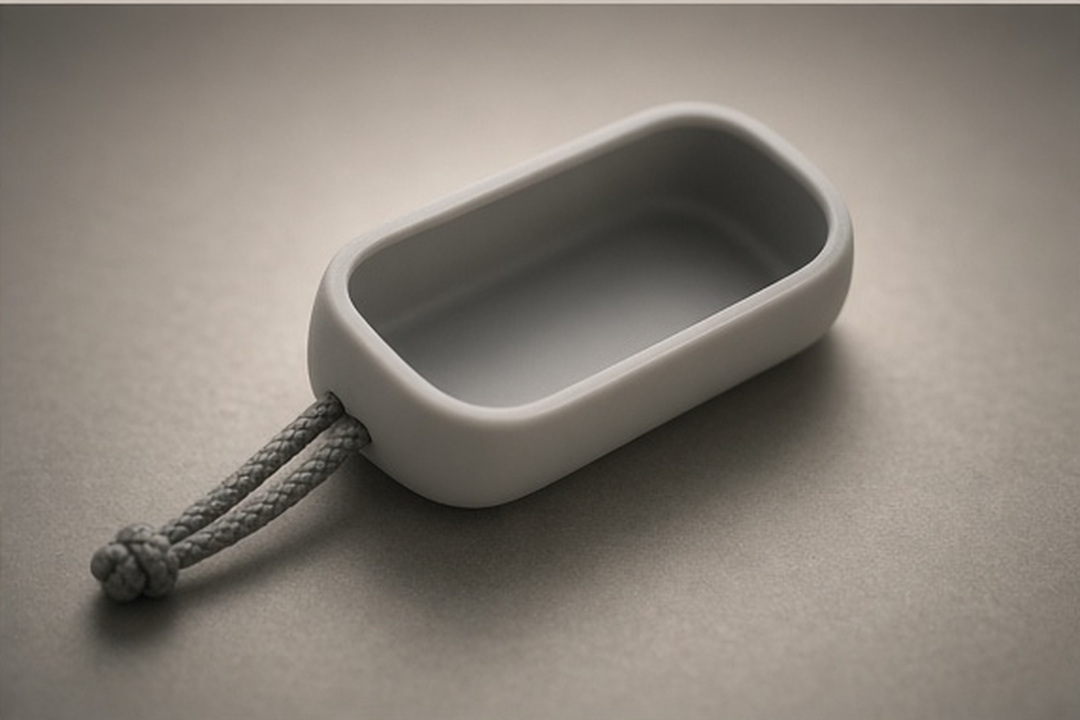
Reachlight has no sharing or sale pipeline.
The app contains no code path that uploads, sells, rents, exchanges, or discloses Pocket Light cue IDs to WellTogether, a developer server, advertisers, data brokers, or other users. It also contains no share button that exports a health narrative. Normal operating-system actions outside the app remain controlled by the device owner and platform.
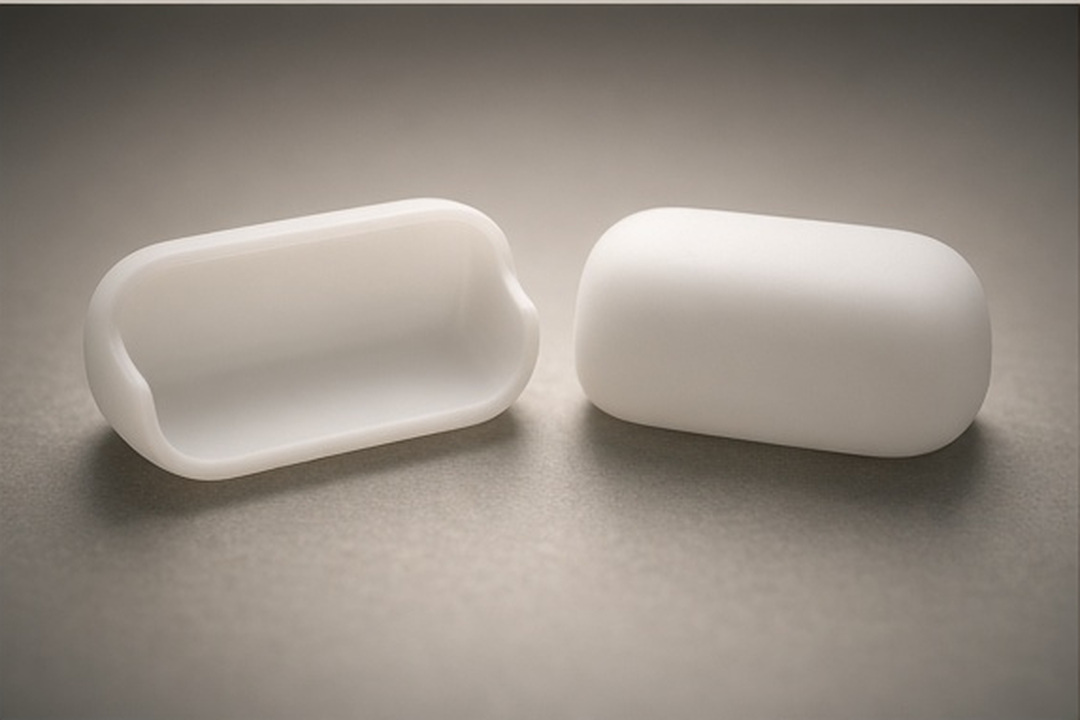
Saved cues remain until you remove them.
A selected cue ID stays in Reachlight’s local preferences until you remove that cue, clear Pocket Light, clear the app’s storage through Android settings, or uninstall the app. The package has no server copy and therefore no remote retention schedule to apply to those cue IDs.
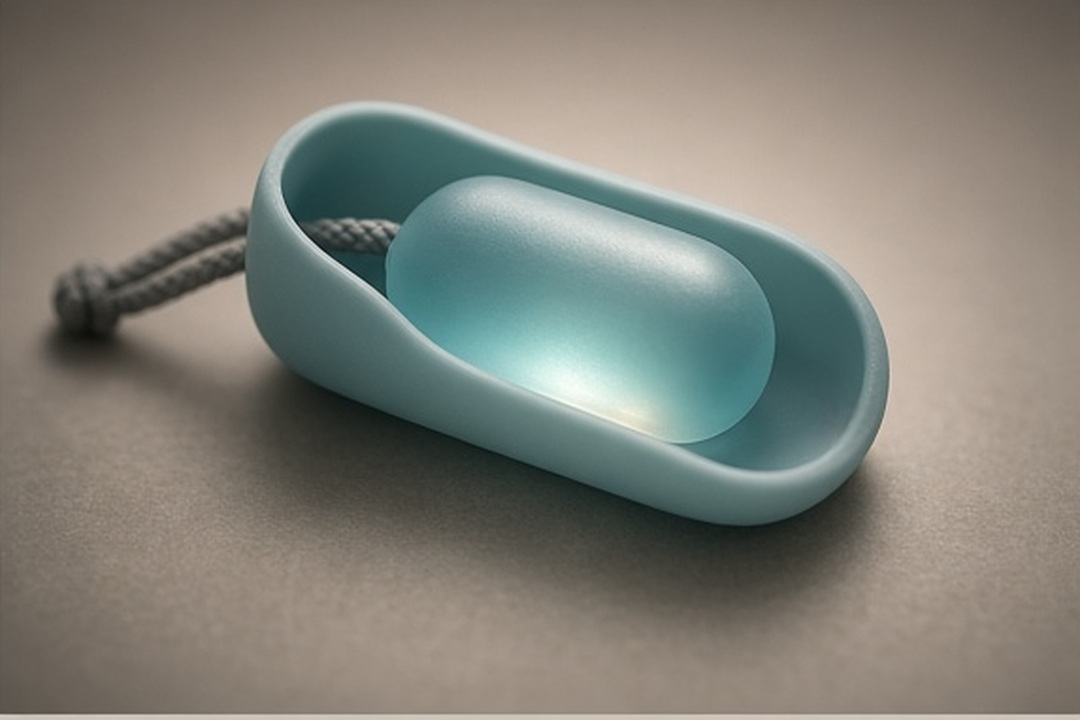
The clear tab releases every local cue.
Inside Pocket Light, open the clear tab and confirm “Clear now” to remove all saved cue IDs. You may also remove one cue from its lens. Android’s app-storage controls and uninstall action provide device-level ways to erase Reachlight state.
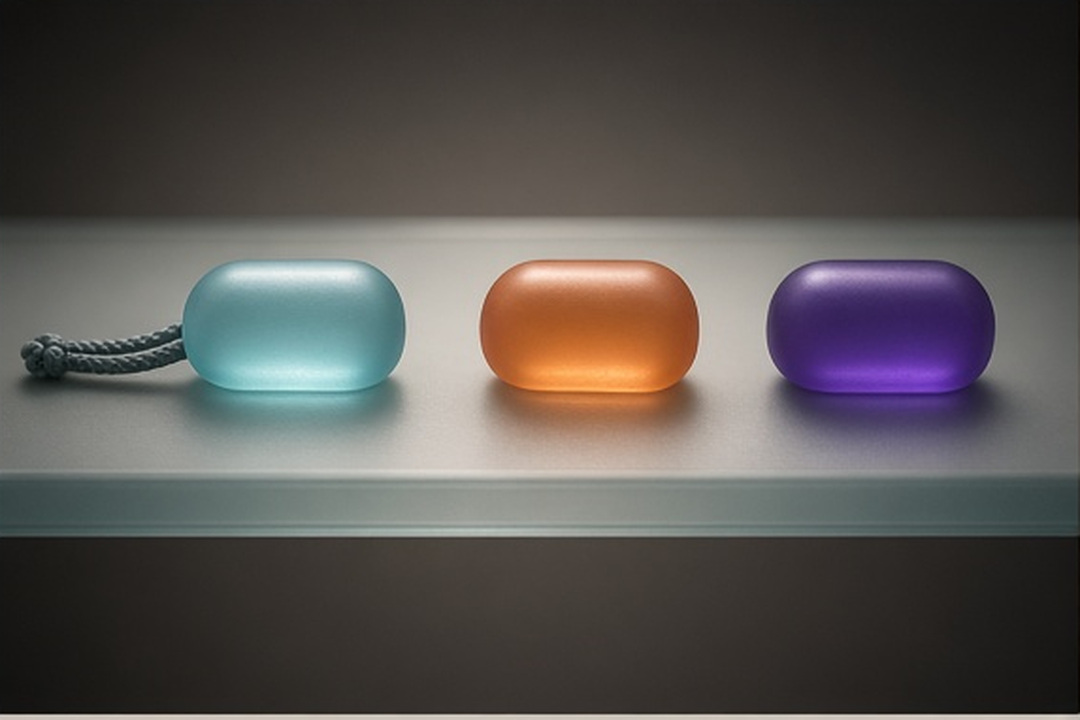
A person using the device may see the pocket.
Reachlight does not add an in-app password. Someone with access to the unlocked device and app may see which published cue IDs were selected. Clear the pocket when shared-device visibility matters. The Android package disables app backup and excludes its preferences from cloud backup and device transfer.
Younger users should explore with support.
The content is written as general preparation, not a child-directed service. A parent, guardian, or trusted adult should help a younger person decide what applies, protect sensitive details, and bring health questions to an appropriate professional. The product does not ask for age or parental contact information.
Hosting and external destinations have their own edge.
These packaged pages use local HTML, CSS, JavaScript, and image files. They set no cookie and contain no form. If a publisher later hosts them, the hosting provider may process ordinary request information such as IP address, request time, requested path, and browser headers according to its configuration and notice.
Links that a publisher later adds to an external organization, store, emergency resource, or other service leave this two-route site and are governed by that destination. No live host or external link set is claimed by this local package.
Changes should follow behavior.
Effective for this packaged version: August 26, 2026. If the app later adds a permission, account, network feature, input field, provider, or different retention behavior, this information should be revised before that changed product is released. A publisher should also identify the current revision on any live copy.
Use the publisher channel paired with your version.
For a privacy question about Reachlight, use the developer contact shown on the store listing from which you obtained the app. That listing is the publisher-controlled source for the monitored channel associated with your installed version.
The public WellTogether website is an organization source; its general contact form is not presented here as the app publisher’s privacy channel.